

New shortcut keys on the dashboard

Now it’s easier to edit your dashboards. With the new shortcut keys, you can, for example, duplicate, move, and save objects more quickly and conveniently, making editing more fluid and efficient. Check out some:
- CTRL + S: Save
- CTRL + SHIFT + S: Save as
- CTRL + D: Duplicate selected object
- DELETE: Delete selected object
- ARROW KEY: Move object by 1 frame
- ARROW KEY + SHIFT: Move object by 5 frames
- CTRL + 0: Reset to default view (only in fixed dashboards)
ABC curve by Big Table
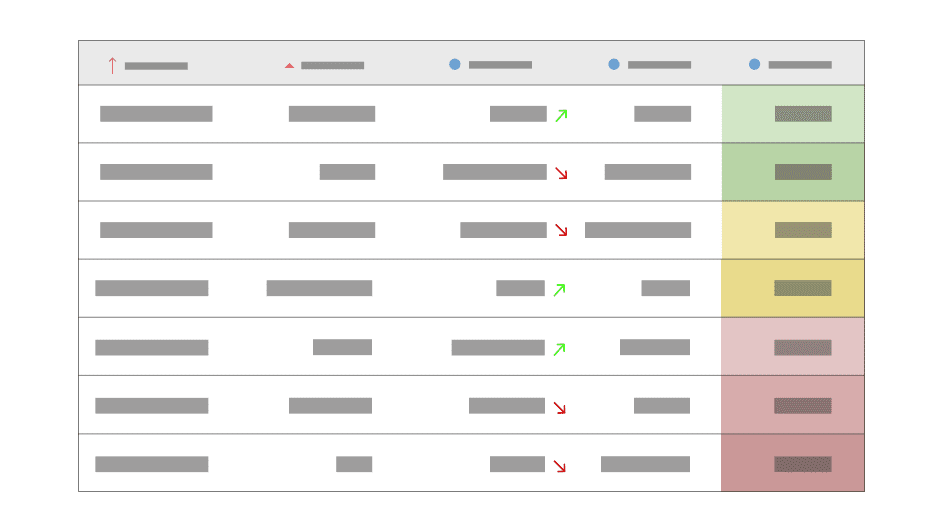
ABC curve analysis is now even more efficient. The new version uses BigTable and calculated columns, ensuring better performance and allowing all users to create their own assisted analyses with automatic accumulation and participation percentages.
Other functionalities
In addition, the following functionalities have been implemented in this version:
| Number | Functionalities | Version |
|---|---|---|
| #11361 | Improved date filters to open a customized filter at the month level by default | 2.91.0 |
| #11262 | Removed from BIMLabs and made globally available: Big Table click action, Scatter Plot, Treemap Chart, and Waterfall Chart | 2.91.0 |
| #11226 | Improvements in format and data when exporting users to CSV | 2.91.0 |
| #11049 | Added the ability to align text to the left in categories for horizontal charts | 2.91.0 |
| #10930 | Visual improvement in the structure options menu | 2.91.0 |
| #10433 | Added background option for labels in charts | 2.91.0 |